- Published on
Garmin Watch Frozen or Blue Triangle? Reset It Fast (2026)
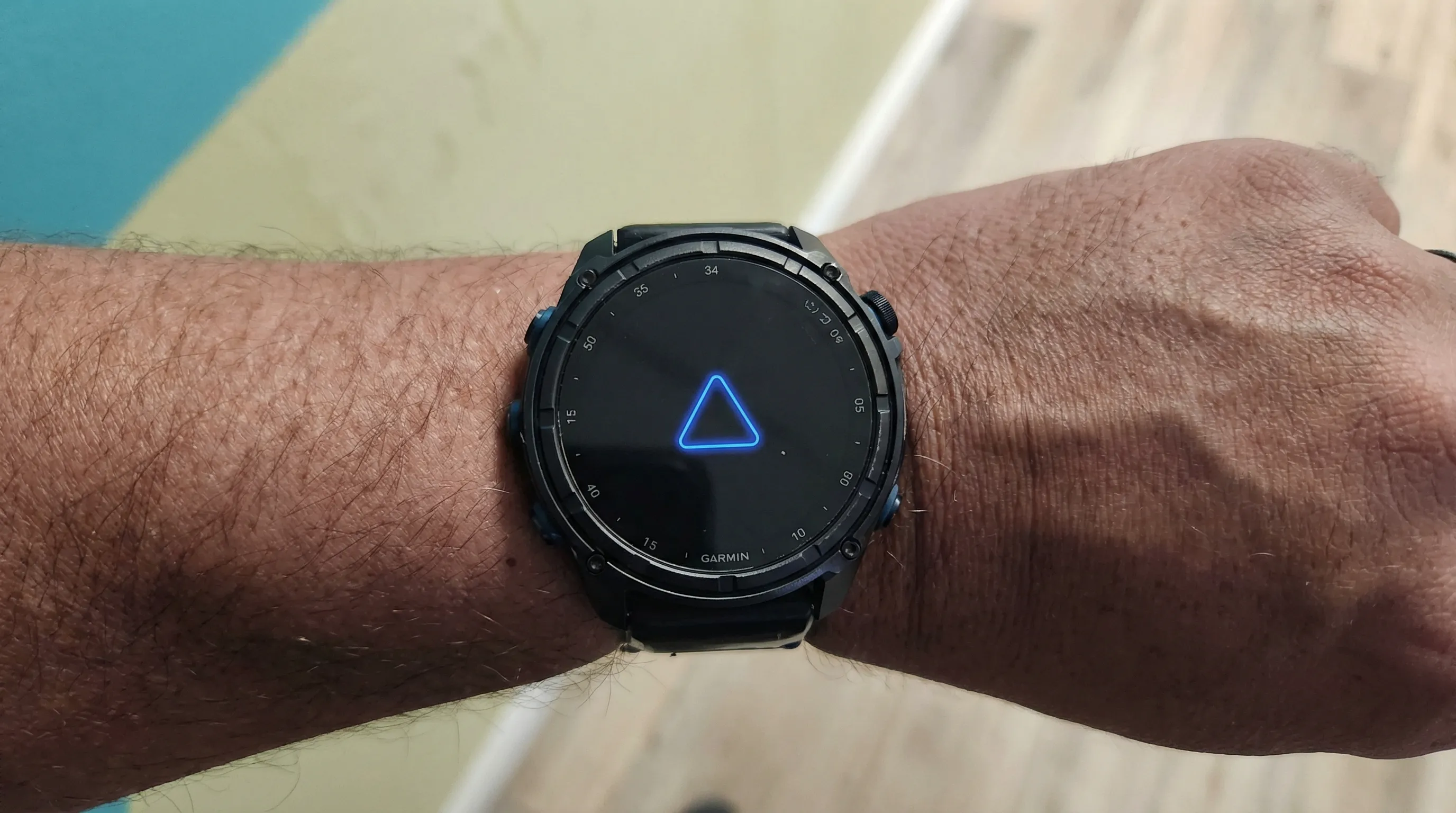
If your Garmin watch is frozen, stuck on the blue triangle, or trapped in a reboot loop, the fastest fix is usually a forced restart by holding the power button for about 15-20 seconds. If that does not work, the next steps are charging, cleaning the contacts, and only then trying a master reset.
It’s the nightmare scenario: you’re about to start a run, you look down at your wrist, and your Garmin screen is frozen. Or worse, it’s stuck in an infinite loop, displaying the dreaded "Blue Triangle of Death."
Don't panic. You Probably don't need to buy a new watch. Most of these issues are software glitches that can be fixed with a specific button combination.
In this guide, we cover the three most common Garmin failures and how to fix them in under 5 minutes.
Problem 1: The Screen is Frozen
Symptoms: The time isn't updating, buttons don't respond, or the screen is stuck on a specific menu. Cause: Usually a temporary software glitch or a background process that crashed.
The Fix: The "Soft Reset"
This force-restarts the watch without deleting your data. It works 90% of the time.
For 5-Button Watches (Fenix, Forerunner, Epix, Instinct):
- Locate the Light / Power button (top left).
- Press and HOLD it. Do not let go.
- The emergency assistance alert might pop up. Keep holding.
- After about 15–20 seconds, the screen will go black.
- Release the button.
- Wait 5 seconds, then press the Light button again to turn it back on.
For 2 or 3-Button Watches (Venu, Vivoactive, Lily):
- Press and HOLD the top button (often the "Action" button).
- Keep holding for 15 seconds until the screen goes blank.
- Release and wait, then press it again to power on.
Problem 2: The "Blue Triangle of Death" (Boot Loop)
Symptoms: The watch turns on, shows the blue Garmin triangle logo, turns off, and repeats endlessly. Cause: Corrupt system file, failed software update, or deep battery discharge.
Fix A: The "Plug and Pray"
- Plug the watch into a power source (wall charger, not computer initially).
- Leave it for 1 hour. sometimes a low battery causes a boot loop.
- Try the Soft Reset (above) while it is plugged in.
Fix B: The Master Reset (Last Resort)
Warning: This will erase all user data, music, and custom settings. Use this only if Fix A fails.
- Ensure the watch is powered off (hold the Light button until black).
- Press and HOLD the Down, Start, and Back buttons simultaneously.
- While holding them, press the Light button to turn the watch on.
- When you hear the first beep, release the Start button.
- When you hear the second beep, release the remaining buttons.
- The watch should reset to factory settings and ask for language selection.
Problem 3: Watch Won't Charge
Symptoms: You plug it in, but no percentage appears. Or, it flickers in and out of charging mode. Cause: Dirty contact points (sweat/salt buildup) or a faulty cable.
Fix A: The Pencil Eraser Trick
Garmin charging ports are notorious for collecting sweat, sunscreen, and skin oils.
- Take a standard pencil eraser.
- Gently rub it against the four gold contact points on the back of the watch.
- This removes the invisible layer of oxidation without damaging the metal.
- Wipe clean with a dry cloth and try charging.
Fix B: Isopropyl Alcohol
- Dip a Q-Tip (cotton swab) in Rubbing Alcohol (Isopropyl).
- Scrub the contact points on both the watch and the charging cable.
- Let it dry completely (1 minute) before connecting.
Fix C: "Soft Brick" Wake Up
Sometimes the screen is off, but the watch is actually "on" in a frozen state.
- Plug the watch into a computer USB port.
- Press and hold the Light/Power button for 30 seconds while connected.
- This often forces the watch to wake up and recognize the charge.
When to Call Support
If you have tried the Soft Reset, the Master Reset, and cleaned the contacts, and your watch is still dead, it may be a hardware failure (battery death or motherboard short).
- Warranty: Most Garmin watches have a 1-year warranty (2 years in EU/AU).
- Out of Warranty: Garmin Support is excellent. They often offer a flat-rate replacement fee (usually ~180) to swap your broken device for a refurbished unit, which is cheaper than buying new.
Frequently Asked Questions
How do I get my Garmin off the blue triangle?
Start with a soft reset by holding the power or Light button for about 15-20 seconds. If your watch keeps looping on the blue triangle, charge it for at least an hour and try again while connected to power. If that still fails, a master reset may be required.
Will a Garmin reset delete my data?
A soft reset usually does not delete your data. A master reset does. Only use the master reset after the simpler restart steps fail.
Why is my Garmin watch frozen and not charging?
That usually points to one of three things: a crashed system process, a deeply discharged battery, or dirty charging contacts. Cleaning the contacts and forcing a restart while plugged in often resolves it.